 PhotoShop Designer 1 Mixed Media Explorations $108

26 Lessons – 10 Videos – 90 page Workbook in PDF format
This is a self-paced workshop
Not accepting Students at this time
You Won’t Beleive Everything that Rebecca has Packed into the Workshop!!
DWYL WEBucation e-courses are conducted in a supportive, nurturing environment to make your classroom experience enjoyable and conducive to learning. The study at your convenience concept allows you to work at your own pace, in your time frame and in your fuzzy bunny slippers…if you so desire. At 2 AM or 2 PM, the DWYL student can choose to work whenever they like during the quarter. See FAQ below for any questions you might have!
after you register, you will be sent ALL workshop information via e-mail within 24 hours!!!
Class Description
If you are not currently using the computer as an art tool, you are missing out on a world of creativity! Take advantage of today’s technologies to manipulate and alter images to add a new dimension to your artwork. You will spend time in the digital lab learning Rebecca’s skillful mixed media techniques for creating fine-art images. You’ll use PhotoShop software to build upon your foundation, layer by layer, to achieve results far beyond your expectations!
We will use your artwork, your photos, (plus provided images, textures, clip art, custom brushes), text and more to to find new ways to add interest and excitement to your artwork. We will also as new works of art from scratch. Whether you are using your digital photos, scanned images, clipart or your artwork you will learn some exciting new techniques to utilize these images in a variety of art disciplines. Demonstrations will inspire your efforts to produce dramatic and engaging work from the initial capture to final image.
The possibilities are endless as we explore blending modes, layers, levels, opacity and brushes. We will also learn how to create and add a copyright mark to protect your images. You will be given the techniques, resources and inspiration for a lifetime of creative play. You will graduate energized, motivated and confident to create your own digital artwork. The techniques you will learn were developed over several years by Rebecca as she experimented to find new ways to add interest and excitement to her own art and the mixed media world. She’ll share these new techniques along gobs of inspiration and resources.
Classes are conducted by video, audio and detailed written notes in PDF format. Each lesson a new technique is introduced that will build on the previous lessons’s skills. You have the luxury of time for learning, testing, creating, practicing, exploring, producing and playing with these skills and building confidence to experiment. There will be ample time for individual help from Rebecca. Your designs will become even more adventurous and you will most probably be inspired to learn more graphic and computer skills.
click photo to enlarge

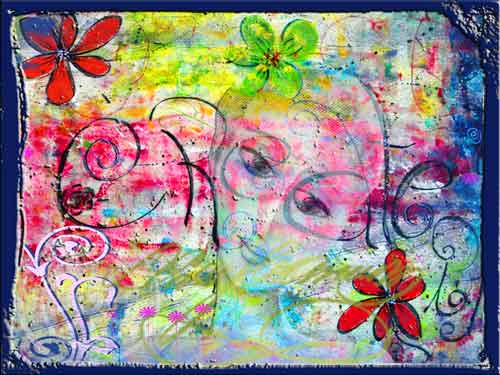
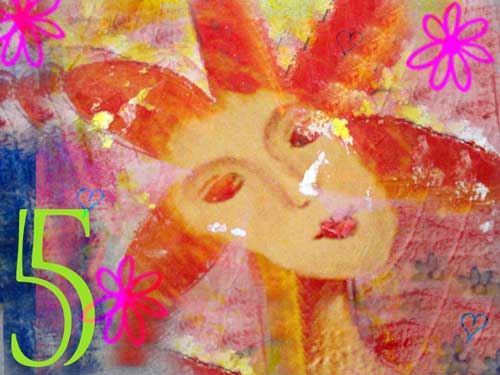
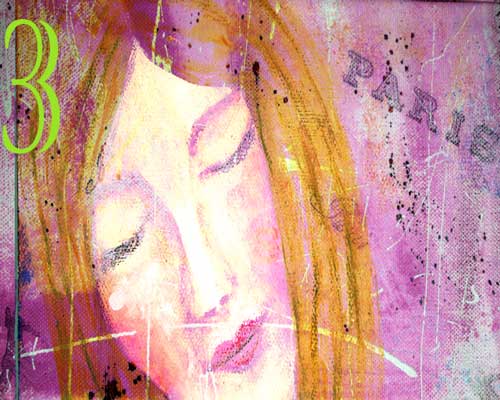
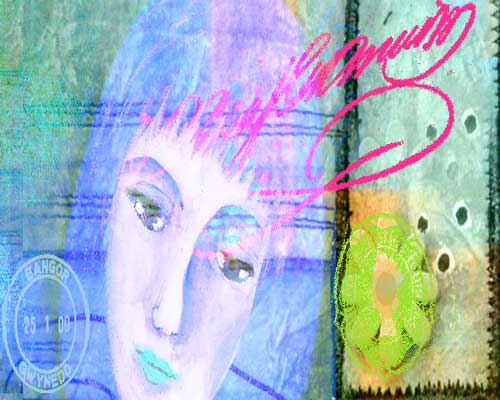
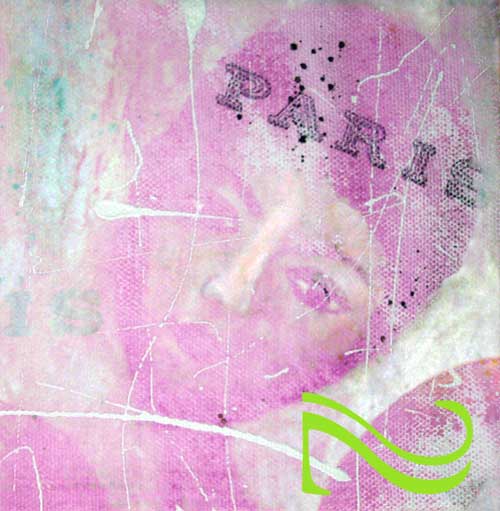
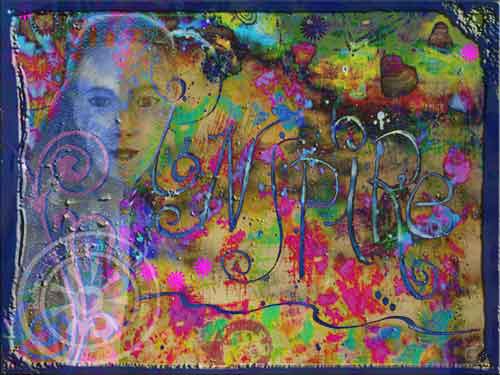

Although the examples shown utilize art created on the computer, this workshop is not just for digital artists. If you are computer savvy, you’ll learn many new tricks and tips. If not, you will be introduced to a new world of techniques. Some images will be provided plus you are encouraged to bring your own.
All skill levels are welcome. Beginners should have a basic understanding of the tools and functions of PhotoShop Elements and/or Photoshop/CS. You need a good working understanding of your computer, know how to navigate and find your way around your desktop, and how to download and upload images…plus will need to know how to place the images and brushes I provide into the proper folders on your computer. Traditional, mixed media, collage artists, scrapbookers, altered artists, book artists and others will learn a variety of stand alone, photo transfer and embellishment techniques to create exciting PROFESSIONAL projects which build on your existing body of work.
Class Syllabus
Week One
- The PhotoShop Experience – Your Digital Lab video
- Overview of Photoshop Elements and getting around – Menu Bars, Tools, Screens
- Time in the digital lab – levels and layers…a key Photoshop Concept: Naming, Creating, Deleting
- Intro to the computer as a creative tool
- Overcoming roadblocks and reducing frustration
Week Two
- PhotoShop Montage vs. Collage video
- About Images – types, file extensions, dpi, web viewing, printing
- Time in the digital lab – levels and layers…a key Photoshop Concept: Adjustments, Merging, Flattening
- Building an image with your artwork
- Project planning using photos from materials I provide
Week Three
- PhotoShop Blending video
- About Colors, Fill, Patterns, Gradient, Picker, Swatches
- Time in the digital lab – blending to create depth and interest
- Photo Transfer Techniques
- Textured and layered background techniques
Week Four
- PhotoShop Brushworks video
- Rulers, Grids and Guides
- Time in the digital lab– This Isn’t Your Mother’s Paintbrush
- Embellishing
Week Five
- PhotoShop Clip Art tricks video
- Editing – Crop, Resize Image and Canvas,
- Time in the digital lab – The Clip Joint
- Embellishing and beyond
- Projects incorporating skills we’ve learned
Week Six
- PhotoShop Building Skill – Creating Fine-Art Images video
- Working with Text, Aligning Elements
- Time in the digital lab – Putting It All Together
- Create and add a copyright mark to protect your images
- Where Do I Go From Here?
- Inspiration and Internet resources for further study
What You Get
The instruction delivered in an easy to understand format without tech speak via video, audio and PDFs. You will receive photos, artwork and custom brushes from Rebecca for you to keep and use in your artwork. You will get keyboard shortcuts and lots of tips to work more efficiently. I just ask that you do not share with others please. Access to me via-mail messages throughout the class. The aim is that you LEARN and take away new skills to use – no question is too silly.
Bonuses
Photos, artwork, textures and custom brushes from Rebecca, forum with discussion boards, Student Gallery, plus an Web Gallery Exhibit on Cre8Tive Compass Magazine.
ONLY $108 for ALL This???
Materials
Frequetly Asked Questions
About the instructor/author – Rebecca E. Parsons
With over 20 award-winning years in the graphic design industry, 35 years as a professional artist, and the founder of several artist initiatives and publications; Rebecca has been using professional PhotoShop software since the beginning…1990. Her best skill is having mastered the technique of taking difficult to understand information and transforming it into easy to understand concepts with step-by-step procedures. That is the foundation of this workshop.
Materials:
A complete materials list will be sent upon registration.
You will need :
- A copy of either Adobe Photoshop Elements 8 (6 or 7 okay too) or Adobe Photoshop CS (3-5) installed on your computer. A free 30-day trial of the latest Photoshop Elements is available at www.adobe.com. I strongly recommend Photoshop Elements version 7.0 or 8.0.
- High-Speed Internet connection to ensure that you can open and view the video tutorials.
- A basic knowledge of the tools and functions of Photoshop Elements or Photoshop CS.
- Scanned or digital images of your artwork and plenty of photos.
The browser for PSE8 that is slightly different for the MAC and PC. This tool allows you to sort and manage files. Because of the differences, it would be difficult to split the class and teach both. Instead we’ll focus on the robust core tools and features of Photoshop Elements 8 with a nod to PS/CS users…we won’t forget you.
PhotoShop is not difficult to learn…it is just capable of so many things that it can be intimidating. You will never again be intimidated to play with PS when we finish…that’s a promise!!!
FAQ
I have one more question for you…. it says I believe … the class starts on the 27th of July… will I just get a password or something and do it at my time discretion? or is there a time frame that I have to work in…. I have a lot going on the next couple of weeks and I sure want to take this but want to make sure I will have the time to do it…. I have never taken an online class and am not sure how they work!
Good question…Yes Leslie there will be plenty of time…that is what is best about online classes, they are ‘do at your own pace’…here is how the PS class will work:
The class is in a forum format. You will be given an access password to enter as often as you like from 7/27 – 9/30/2010. You can post pictures of your work in the gallery, you can join discussions with other students (a great benefit of WEBucation), or you can just go in and download your lessons and work through them as you like on your timeline. Everyone is different in how they learn, so I cover all bases…visual, auditory, and written.
Starting on the 27th, I will release a lesson every Tuesday for 6 weeks. All the course materials will be released by August 31st. The classroom stays open until September 30th, so there is ample time to do the course even if you join the last week!! You can work along with the lessons as they are released or you can choose to work all the lessons in a row. Some people will join in throughout the workshop.
You also have access to me, via the forum, every week day throughout the class period. I will check twice a day for questions. I answer them in the forum so everyone can benefit from them…just like in a real classroom.
I have a very basic idea of PS as my husband has PS/CS2…I’ve watched him and done a little bit. Do I need to know more?
You should have a basic knowledge of the tools and functions of PhotoShop Elements or Photoshop CS. I would suggest that you play with PhotoShop Elements prior to the class so you understand where the tools are, how to open and save a document, and how to navigate around the work area.
Can I use PS/CS for the class?
Of course. You have more robust program capable of more tricks. I will give info for you to follow along in your program.
If I were to download the free version and peruse over the next few weeks, would this be sufficent for class? Your class sounds user friendly enough for an enthusiastic beginner…
It is very user friendly. I teach so all levels can perform the tasks. You will have access to everything for 2 months. This is ample time to do the exercises until they become second nature to you. I would hold off on downloading the PS Elements until a few days before the class begins. Most people will want to purchase PS Elements after the class so you can continue to grow your art and your skills. There are specific directions in the student packet you receive after you sign up.
I’m guessing the version you suggest is a “lesser” version than PS/CS?
I use PS/CS for my projects but will be teaching with PS Elements 8 as this is the less expensive version and the program that can be downloaded for a 30-day free trial.
If we are going to sell our work, is the PS/CS the format to use? I wouldn’t want to pay the $79.99 for Elements now if it will limit the quality of what I’d do- like u, i’d like to sell the resulting work.
The screens will look different with PS/CS than PS Elements…but you will be able to do everything in PS/CS, so you don’t need to buy Elements…but, if you aren’t familiar with it, you might want to download the trial version for the class and then not buy it…you can easily find the same tools in PS/CS…
PS Elements is getting so good that many people are switching to it from the CS versions…PS/CS costs $199 to upgrade… unless you are a high-end photographer (wedding, etc) or a graphic designer, you probably can do anything you ever need to do with Elements!!
Do we have the ability to save the class videos, audio and pdf to refer to after the class is over?
The classroom and forum will be open until 9/30. The detailed PDF is yours to download and refer to forever…the video/audio materials will be available throughout this time also…over 2 months. Some will be available to you forever.
Do we need a Wacom Tablet and stylus for class?
I use one, and absolutely love it, but it is not required for this class. But, if you fall in love with the techniques and want to use tem frequently, I would recommend that you invest in one. The best benefit is being able to write in your hand on your images!!!
What is a Wacom Tablet?
It is a pressure sensitive surface with stylus (pen) that is used instead of/or in addition to a mouse. It allows the tools in your graphics program to be used like real brushes, pens and pencils . You can write, scribble, sketch, paint, draw…. and you don’t have to continually change the opacity of the tools which is a big time saver.
Can you explain a bit more about what you mean by the transfer and embellishments techniques we’ll learn?
These, and many other techniques are what build your final artwork. We use many tools to simulate traditional artwork techniques, such as photo transfers and embellishment (adding design elements) of your original artwork with text, images, photos, plus a lot more.
I am a mixed media artist. Will this class help me?
Yes ABSOLUTELY !!! The class is perfect for mixed media art as it adds more depth and opens a whole new aspect to your existing body of work
I’m also interested and excited about your upcoming Doodle Faces class! I have wanted to learn to find my “style” with faces for years and this looks like to ideal program. Will it be doable to take both w/an overlap?
Yes. They are very complimentary as you can use your faces in your PhotoShop Designs!!! The classes are doable in overlap because you can do them whenever you want…the lessons are self paced.
I have Corel Paint Shop Pro. Can I do the class with it?
oral is a good program and has most of the same capabilities as PSE8 or PS/CS. I would recommend downloading the free version (see above) and then translating what you learn to Corel.